Settings page
Damex Notification
Set up alerts and notify your teams or colleagues about various customer events.
New Revenue Alerts
Receive notifications every time the first invoice is generated for a customer or subscription.
Contract Renewal Reminder
Receive a reminder when a customer’s contract is due to renew.
Invalid Payment Methods
Send a notification every time a customer's payment method is found to be invalid.
Fraud Monitoring
Receive an email alert every time a suspicious or fraudulent transaction is detected. Currently, fraud monitoring is supported for transactions made via Stripe only.
Daily Digest Mails
Receive a digest email including signup and transaction summary everyday.
Gateway Reconnect Mails
Send a notification every time when gateway access or configuration error has occurred.
Paypal Damex Replication alerts
Receive alerts for subscriptions changes in Paypal.
Webhook Failure Alerts
Receive an alert every time a webhook fails.
Damex automation failure alerts
Receive alerts from Damex when intervention is required to perform operations on invoices and subscriptions under chargeback when chargeback automation fails.
Charge-back won
Receive notifications whenever a gateway notifies that a charge-back has been won.
Payment Method
Update your billing details and address.
Contact Email
Where should invoices be sent.
Send by my account email
damex@gmail.com
Send to an alternative email
Card Details
Select default payment method.

Visa Ending in 6573
Expiry 12/2023

Mastercard Ending in 6325
Expiry 20/2023
 Add New Payment Method
Password
Please enter your current password to change your password.
Two-Factor Authentication
Once you enable this option, team members have to mandatorily sign in using Two-Factor Authentication to access this site.

Appearance
Change how damex UI looks and feels in your browser.
Interface Theme
Select or customize your UI theme
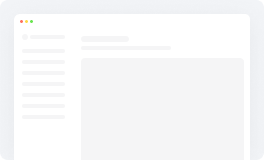 White Mode
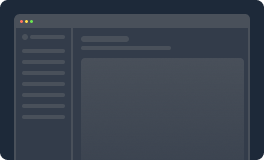 Dark Mode
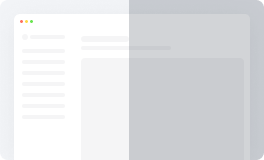 Customize
Expanded Sidebar
Select the sidebar view
Contrast
Move the slider until there is a good contrast for you
Language
Select the language of the platform

 Reset to Default